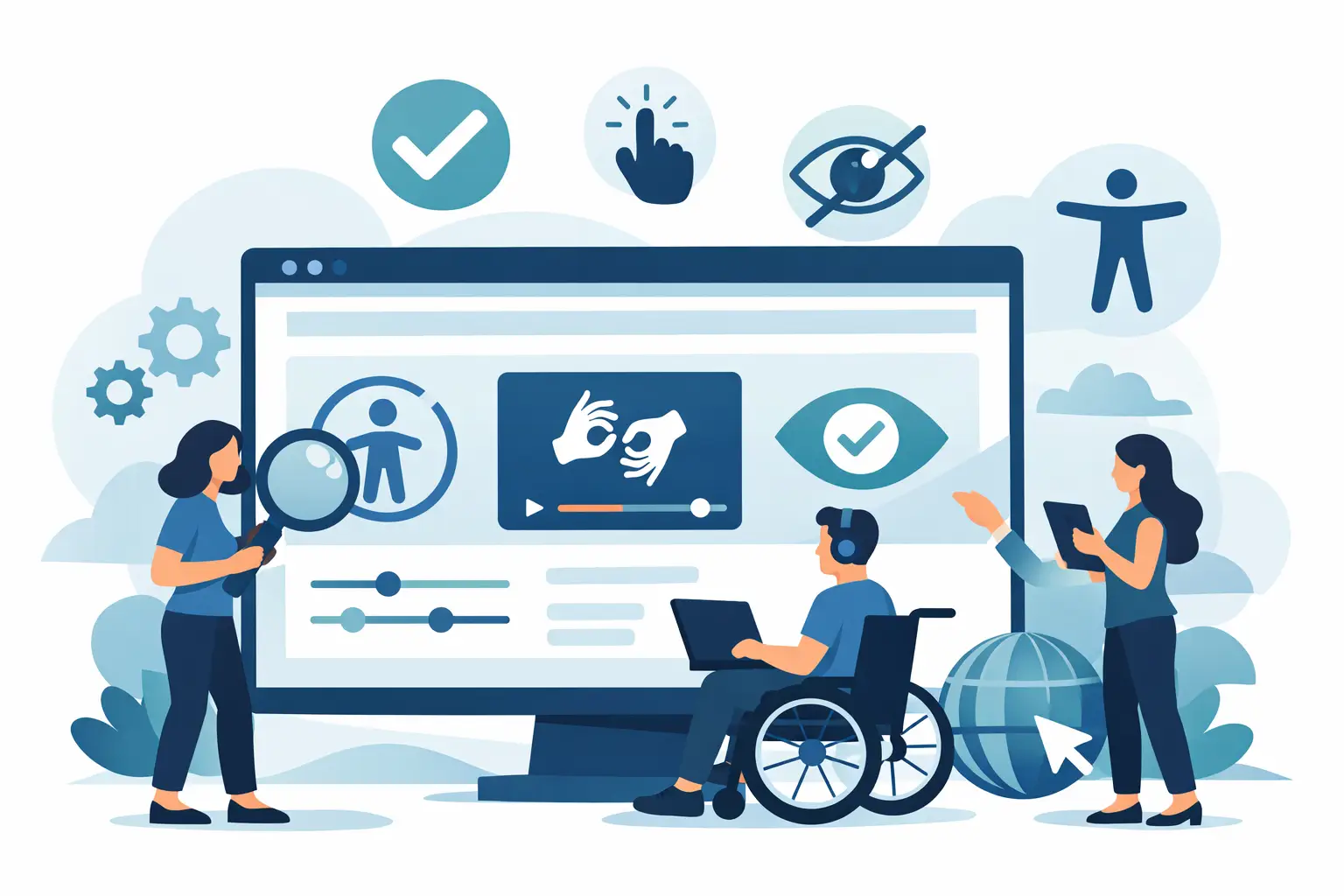
A website can look polished, load quickly, and still turn away qualified customers before they ever reach your contact form. When navigation cannot be completed by keyboard, form labels are unclear, or essential content is unreadable to assistive technology, the experience breaks down. Website accessibility compliance services help businesses identify and remove those barriers while protecting the performance, credibility, and growth potential of their digital presence.
For small and midsize businesses, accessibility is not a side project reserved for enterprise brands. It is a practical part of building a website that serves more people, supports a stronger customer experience, and holds up as your marketing efforts bring in more traffic.
Accessibility Is a Business Standard, Not a Checkbox
Website accessibility means designing and developing digital experiences that people with disabilities can use. This includes visitors who use screen readers, keyboard navigation, voice controls, magnification tools, captions, or other assistive technologies.
Many businesses begin thinking about accessibility because of legal exposure under the Americans with Disabilities Act, often called the ADA. That concern is understandable. However, the strongest approach is not to chase a quick legal fix. It is to improve the actual usability of the site.
A customer should be able to understand your services, compare options, schedule an appointment, request a quote, or make a purchase without unnecessary friction. If a visitor cannot see a low-contrast button, cannot identify a required form field, or gets trapped in a navigation menu without a mouse, your website is creating a dead end where there should be a conversion opportunity.
Accessibility work often supports broader performance goals because it forces a business to improve structure, clarity, navigation, and content quality. Those same improvements can make a site easier to use for busy mobile visitors, older users, and prospective customers dealing with poor lighting, slow connections, or temporary injuries.
What Website Accessibility Compliance Services Should Include
Not every accessibility provider delivers the same level of value. Some sell automated scans or software widgets as if they create instant compliance. Automated tools can catch useful issues, but they cannot reliably judge whether a page makes sense to a real person using assistive technology.
Effective website accessibility compliance services combine technical analysis with human review and purposeful remediation. The work should begin with an audit of the site’s key templates, high-value user paths, navigation, forms, media, and interactive features. For many businesses, the most important paths are service inquiries, online booking, ecommerce checkout, account access, and lead-generation forms.
The audit should evaluate the site against recognized accessibility standards, commonly the Web Content Accessibility Guidelines, or WCAG. These guidelines cover areas such as text alternatives for images, color contrast, heading structure, keyboard operation, focus visibility, error messaging, captions, and accessible code markup.
From there, the provider should prioritize issues based on their impact. A missing decorative image description may require attention, but a checkout button that cannot be reached by keyboard deserves immediate action. The right plan fixes the issues that prevent customers from completing meaningful tasks first, then addresses wider improvements across the site.
Automated Testing Has Limits
Automated scans are helpful for finding repeated code-level problems, such as missing alternative text or contrast issues. They are efficient, especially on large websites. But they cannot determine whether alternative text is useful, whether a form’s instructions are understandable, or whether a customer can logically move through a multi-step process.
Human testing adds the judgment that software cannot provide. It helps uncover confusing page order, poor focus behavior, inaccessible popups, unclear calls to action, and other issues that can damage both accessibility and conversion rates.
Remediation Must Protect Your Brand Experience
Accessibility improvements should not flatten your visual identity or make your website feel generic. A capable digital partner can preserve your brand’s personality while adjusting design choices that create barriers.
That may mean refining a color palette for sufficient contrast, improving button states, restructuring headings, adding descriptive labels, or revising a form so customers know what action to take next. The goal is not to compromise creative quality. It is to make your creative work usable by more people.
The Accessibility Issues That Cost Businesses Leads
The most damaging accessibility problems are often hidden from teams that browse their own websites with a mouse, a large screen, and full visual access. They show up when a visitor encounters a task the site was not built to support.
Common issues include navigation menus that cannot be operated with a keyboard, image-based buttons with no meaningful labels, videos without captions, text placed over busy background images, and forms that display errors without explaining how to correct them. Popups, chat tools, calendar widgets, and third-party booking systems can also introduce barriers, even when the main website is built correctly.
For a professional services firm, an inaccessible consultation form can mean missed client opportunities. For a local business, it can mean a visitor cannot find your location, hours, or phone number. For an ecommerce brand, an inaccessible product selector or cart can directly reduce revenue.
This is why accessibility should be reviewed alongside your customer journey, not handled only as a technical clean-up task. The business question is simple: Can every qualified visitor take the next step?
Compliance Is Ongoing, Especially on Growing Websites
A website is not static. New service pages, blog posts, product listings, promotional banners, videos, integrations, and platform updates can all introduce new accessibility issues. A successful remediation project creates a stronger baseline, but it does not make a site permanently compliant without continued attention.
That is where ongoing governance matters. Your internal team, marketing partners, and content contributors should understand the basics: use descriptive link text, add meaningful image descriptions, maintain heading order, check contrast before publishing graphics, and caption video content. Developers should also test new components before they go live.
The right level of ongoing support depends on your website. A five-page local services website may need periodic reviews and team guidance. A growing ecommerce business, healthcare practice, or company with frequent campaigns may benefit from recurring testing and monitoring. The key is matching the plan to the pace and complexity of your digital operation.
Avoid the “Quick Fix” Compliance Promise
Be cautious when a provider promises guaranteed ADA compliance, instant legal protection, or a single tool that solves every accessibility issue. Website accessibility is influenced by design, content, code, third-party tools, and ongoing site changes. No responsible provider can eliminate every legal risk with a one-click installation.
Accessibility overlays and widgets may offer features that some visitors find useful, but they should not replace fixing the underlying website. In some cases, they can create additional usability problems. A better investment is documented testing, prioritized remediation, accessible development practices, and a process for keeping the site in good shape over time.
Businesses should also understand the distinction between accessibility standards and legal advice. Technical accessibility work can reduce barriers and support a stronger compliance posture. Questions about legal obligations, policies, or litigation should be handled with qualified legal counsel.
Choose a Partner That Connects Accessibility to Growth
The best accessibility work does more than identify errors in a report. It produces a website that is easier to navigate, easier to understand, and better prepared to convert the attention your marketing earns.
Look for a provider that can assess the complete experience, explain priorities in plain language, make the necessary design and development changes, and support your team after launch. If your website, SEO, content, and branding are managed in separate silos, accessibility issues can continue to reappear. An integrated agency approach helps align technical improvements with search visibility, campaign landing pages, brand standards, and lead-generation goals.
WiseX3 approaches digital growth with that ownership mindset. Accessibility improvements should work alongside your brand presentation and performance strategy, not become another disconnected project on your to-do list.
A more accessible website sends a clear message: your business is ready to serve people, not just collect clicks. Start with the customer actions that matter most, fix the barriers standing in their way, and build every next update with accessibility in mind.